
Sharing is caring
Sometimes, once you've finished a crochet diagram, you just have to show it to your friends, or put it up for sale.
StitchPress gives you a few ways to do that:
- Export it as an image.
- Share it through a view-only link.
- Share it with specific people through their StitchPress accounts.
A few more are either in the works or on the roadmap:
- Bring part of a diagram into the pattern editor, so it can sit next to your written instructions. (In progress: the import itself already works, but the rest of the pattern editor isn't ready yet.)
- Export as a vector file, so you can open it in Adobe Illustrator for finishing touches. This one is further down the roadmap. That said, we hope to make StitchPress good enough on its own that you'll never need it.
- Export diagrams for offline use, which is being tested right now. The offline app is built, but we're rolling it out to a small group of users first so we can polish it before it reaches everyone.
Let's walk through the ones that work today.
Exporting as an image
All the sharing features live at the right end of the editor's top bar, and the export button is the leftmost of them.
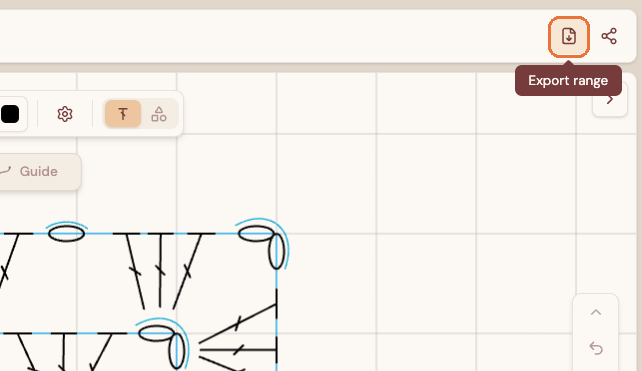
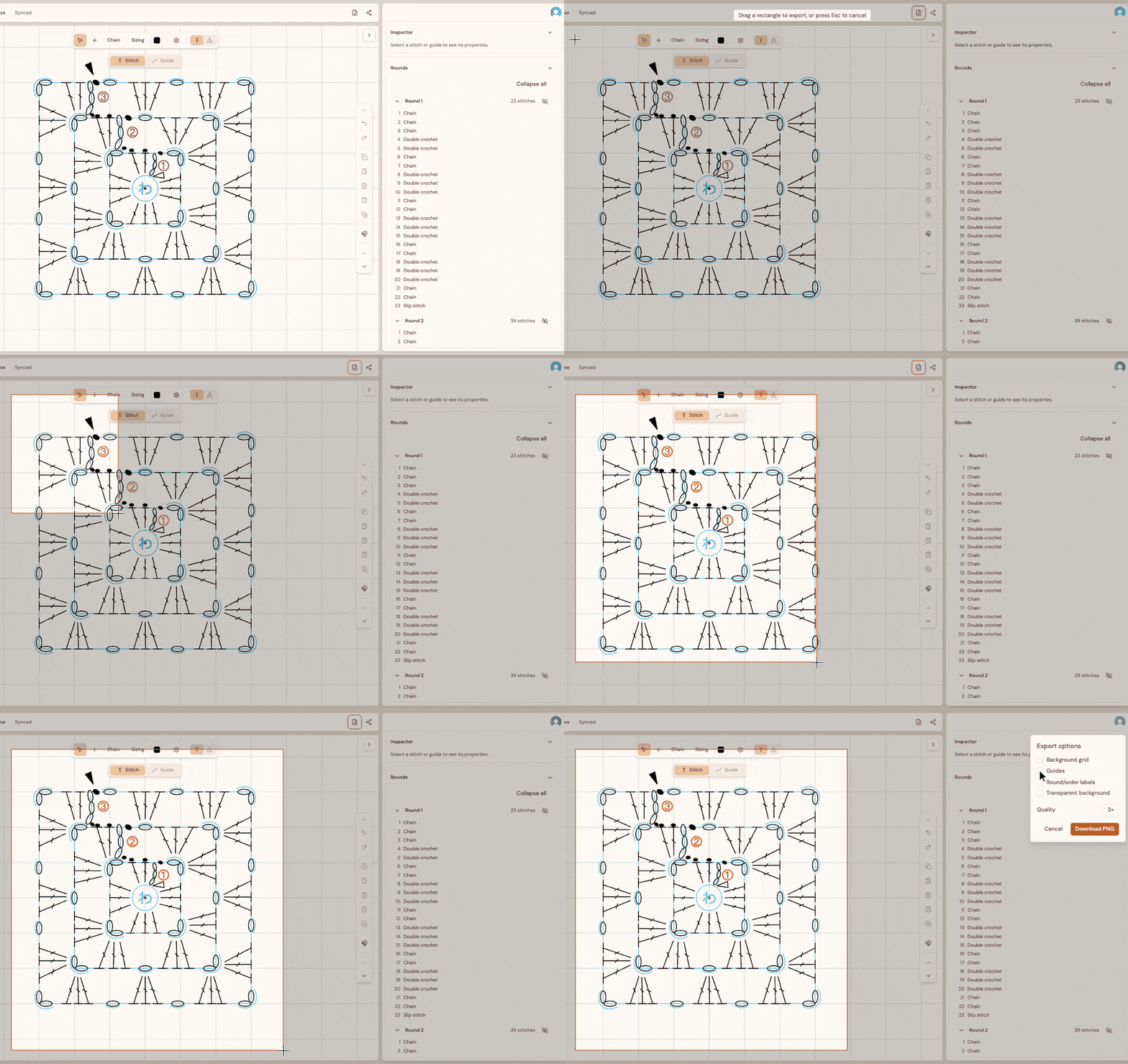
Click it, and the editor switches to selection mode: an overlay covers the canvas, and you drag a rectangle over the part of the diagram you want to export. When you let go, a small panel pops up with the export options.
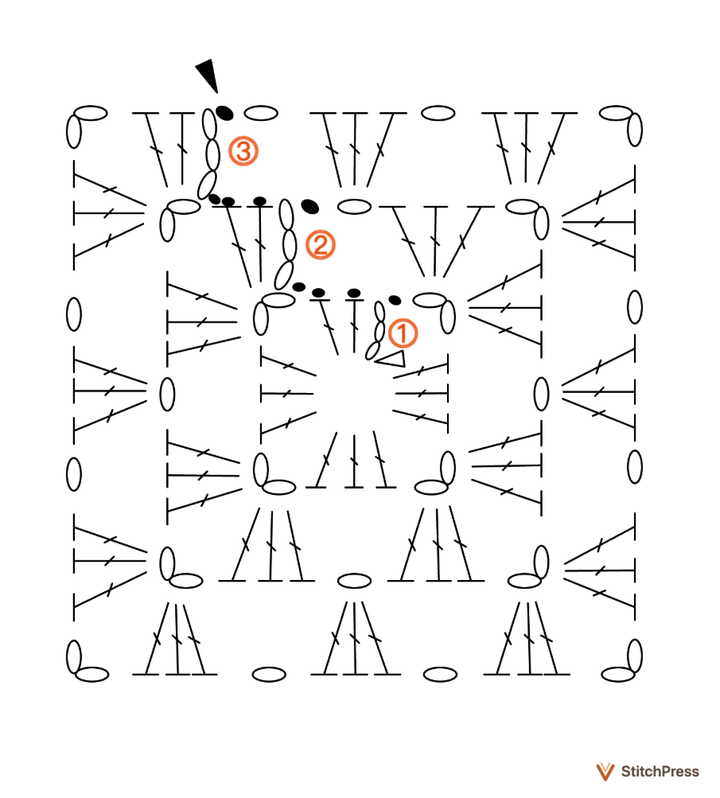
Throughout pre-alpha, alpha and beta testing, every exported image carries a watermark in its bottom-right corner. For now, it can't be turned off; once StitchPress officially launches, it will be replaced by a watermark you can customize.
Sharing a view-only link
A diagram in StitchPress holds a lot more information than an image can show, and much of it is lost in an exported picture. That's where view-only links come in. The person you send one to doesn't need a StitchPress account: anyone with the link can open the diagram and view it in their web browser.
The share button is also in the top bar, just to the right of the export button.
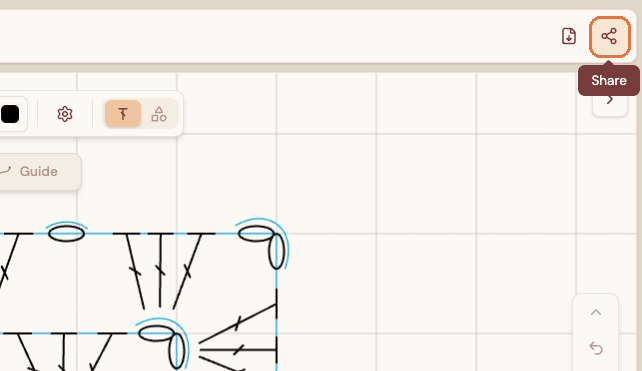
Clicking it opens a small dialog with the sharing settings.
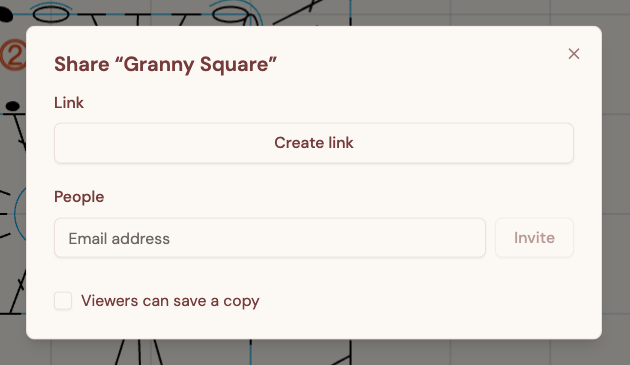
To get a link, click Create link. The link appears, with a Copy link button next to it.
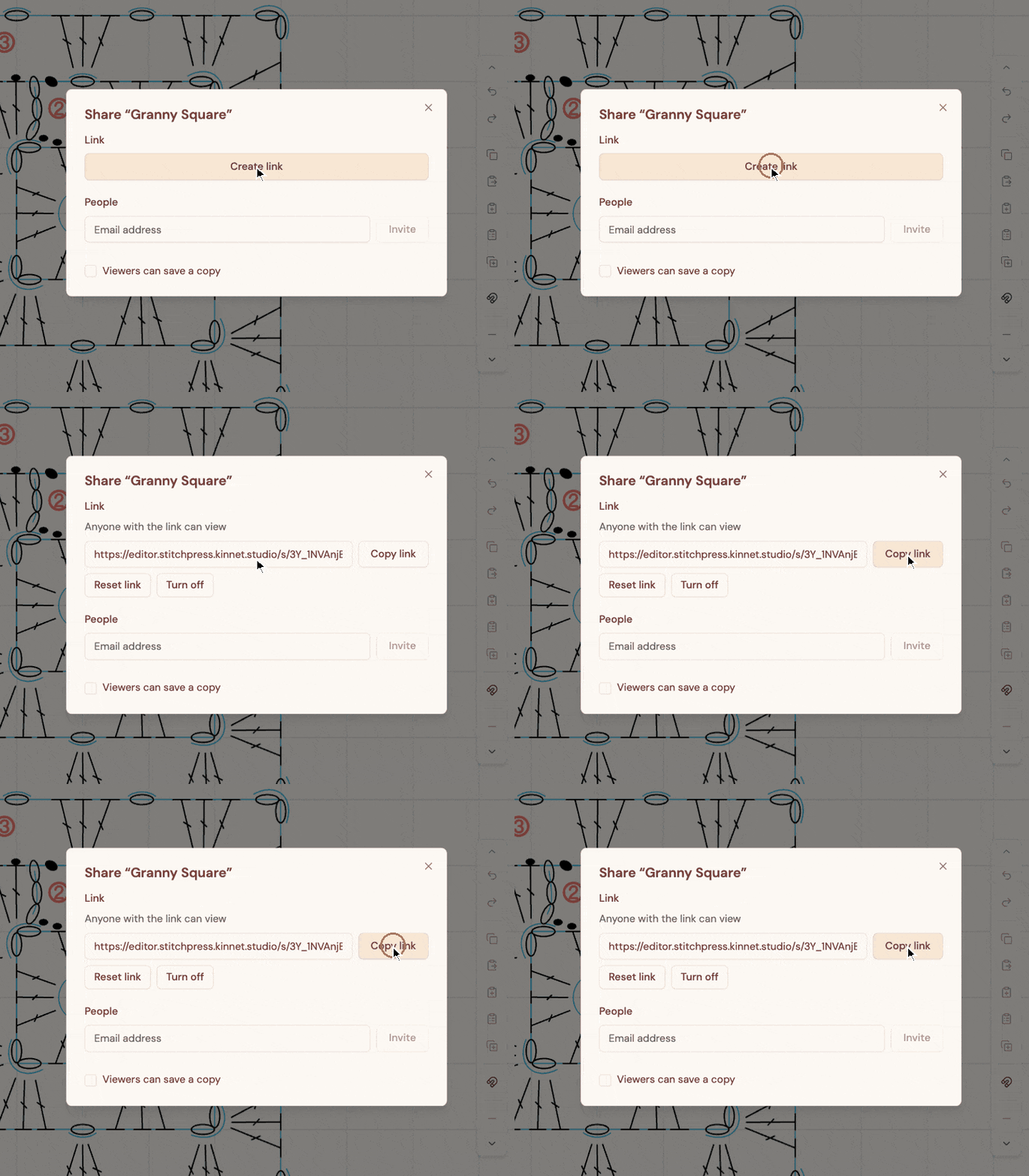
Once a link is out there, you can turn it off at any time. And if you think it has reached people you didn't mean to share it with, you can reset it, which gives you a new URL and stops the old one from working. Keep in mind that even after a reset, it's still a public link: anyone who has it can open the diagram. If you want real control over who gets to see it, share it with specific people instead, which we'll cover in the next section.
When you paste the link into a social media post or a direct message, it shows a preview of the diagram, so people can see what it is before they even open it, like this:
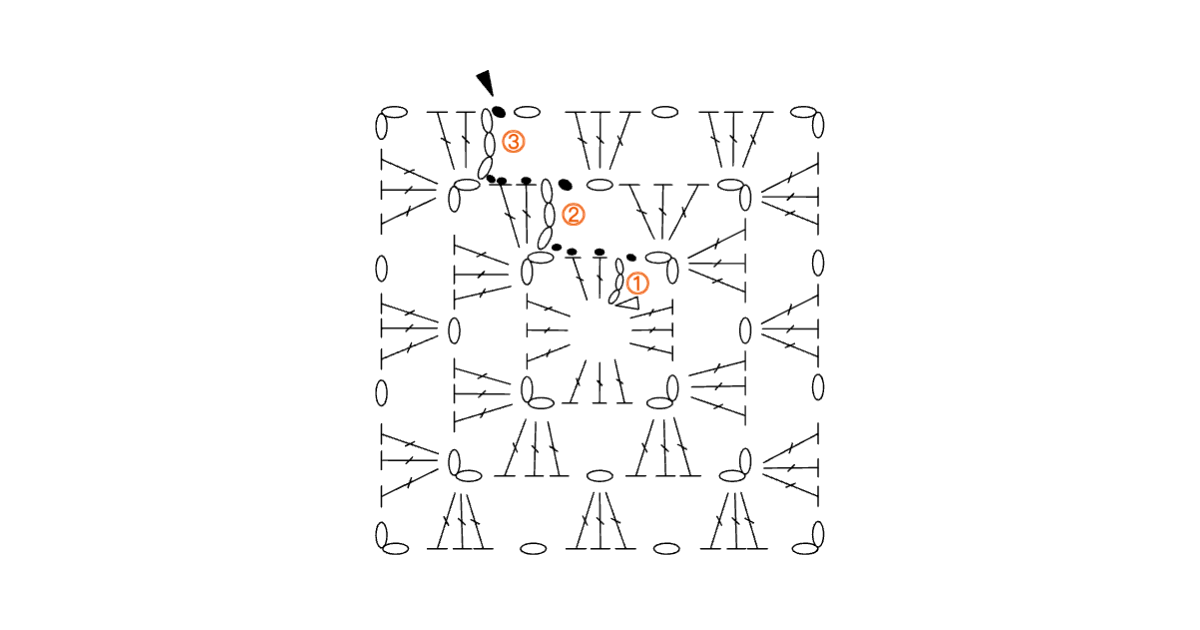 editor.stitchpress.kinnet.studio
Granny Square
Crochet diagram shared with StitchPress
Sharing with specific people
You may have noticed a second section in the sharing dialog, with a field for email addresses. Enter the email address of the person you want to share the diagram with, and click Invite. It works a lot like sharing in Google Docs or Sheets, with one difference: we don't send an email yet, so let them know yourself. When they sign in with that address, the diagram shows up under Shared with me. If they don't have a StitchPress account yet, they'll get access as soon as they sign up with that address. Keep in mind, though, that while we're testing, new accounts go through the waitlist, so they'll need to join it and be let in first. Anyone you haven't invited is turned away, even if they get hold of the diagram's address. (A view-only link, if you've created one, still works for anyone who has it, so turn it off if you want the diagram to stay private.)
More ways to share your work with others are on the way. We'll keep you posted!
Your diagrams are yours
When it comes to how we store and use your diagrams, we stand by one principle: your diagrams belong to you, and only you. Our Terms say so outright, and nothing in them stops you from using what you make with StitchPress commercially. We don't look through your diagrams, train AI on them, or sell them to anyone. Our servers only handle them to run the features you use: saving and syncing, sharing and link previews, and the AI assistant if you choose to connect one. Diagram contents are also encrypted in our database, with the key kept separately, so a leaked copy of the database on its own would be gibberish to anyone on the outside. It isn't end-to-end encryption, though: our servers decrypt diagrams to sync and share them, and titles and preview thumbnails aren't encrypted. We value your privacy and respect your intellectual property.
That's all for this one! In the next article, we'll talk about responsive design, and how StitchPress aims to work on as many devices as possible (phones, tablets and desktops alike) so no one is left behind.
See you in the next one!
StitchPress is currently in pre-alpha, and we're actively looking for crochet diagram designers to help shape the experience. If you're interested and we haven't reached out to you yet, email us at contact@kinnet.studio. If you'd like to follow along with the alpha and beta tests, join the waitlist: